
Download myDeframenter – defragmentation tool, hard disk optimization, disk performance, file organization, system speed
Overview
myDeframenter is a dedicated utility designed to enhance the performance of Windows-based systems through effective hard disk optimization. As digital workloads grow and file systems become increasingly fragmented over time, the need for reliable defragmentation tools becomes more critical. myDeframenter addresses this challenge by reorganizing scattered data across the disk, reducing access times and improving overall system responsiveness. This application is particularly useful for users who rely on older or heavily used Windows machines where performance degradation due to file fragmentation is common.
The target audience includes both casual users and professionals who want to maintain optimal system performance without deep technical knowledge. By streamlining file access and reducing disk seek times, myDeframenter contributes to faster application launches and smoother multitasking. Real-world use cases include preparing a computer for resource-intensive tasks such as video editing, software development, or large file transfers, where system speed directly impacts productivity.
Although the developer did not provide additional background information, the app’s release date of January 20, 2011, suggests it has been in use for over a decade, indicating a level of stability and user trust. In the broader utility app ecosystem, myDeframenter fills a niche for lightweight, no-frills disk optimization, offering a straightforward solution for users who prioritize functionality over advanced features.
Key Features & Functionality
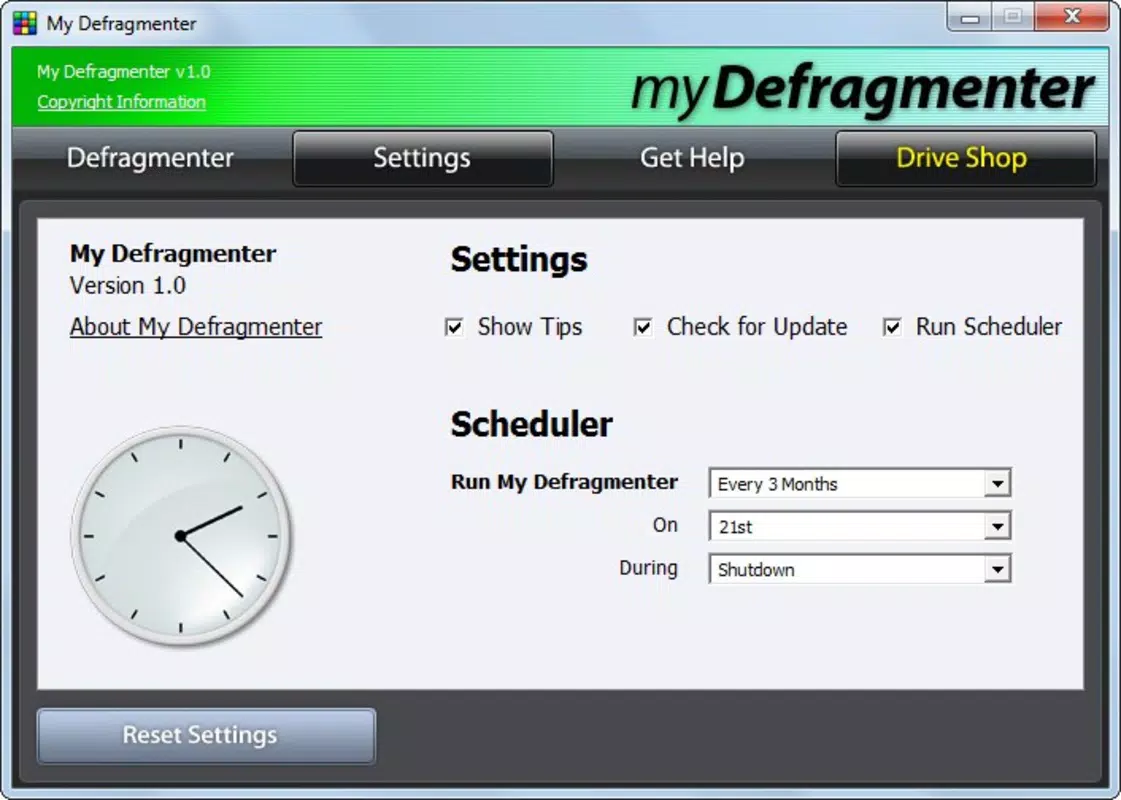
- Scheduled Defragmentation: Users can set myDeframenter to run defragmentation tasks automatically at predefined intervals—such as weekly or monthly—ensuring continuous disk health without manual effort. This is ideal for users who prefer a set-it-and-forget-it approach to system maintenance.
- On-Demand Defragmentation: When immediate performance improvements are needed—such as before a presentation or deadline—users can initiate a defragmentation session instantly. This flexibility allows for real-time system optimization based on current workload demands.
- Enhanced Performance: By consolidating fragmented files into contiguous blocks, myDeframenter reduces the time required for the disk to retrieve data. This results in faster file access, quicker boot times, and improved application responsiveness, especially on traditional HDDs.
- User-Friendly Interface: The app features an intuitive layout that simplifies the defragmentation process. Even users with limited technical experience can navigate settings, initiate tasks, and monitor progress with minimal confusion.
- Effective Disk Management: Beyond defragmentation, the tool provides insights into disk usage patterns, helping users identify storage inefficiencies and make informed decisions about file organization and cleanup.
For example, a user preparing for a video rendering session could schedule a defragmentation run overnight and then perform an on-demand scan before starting the project. Similarly, someone experiencing sluggish performance might use the on-demand feature to restore speed within minutes.
Interface, UX & Performance
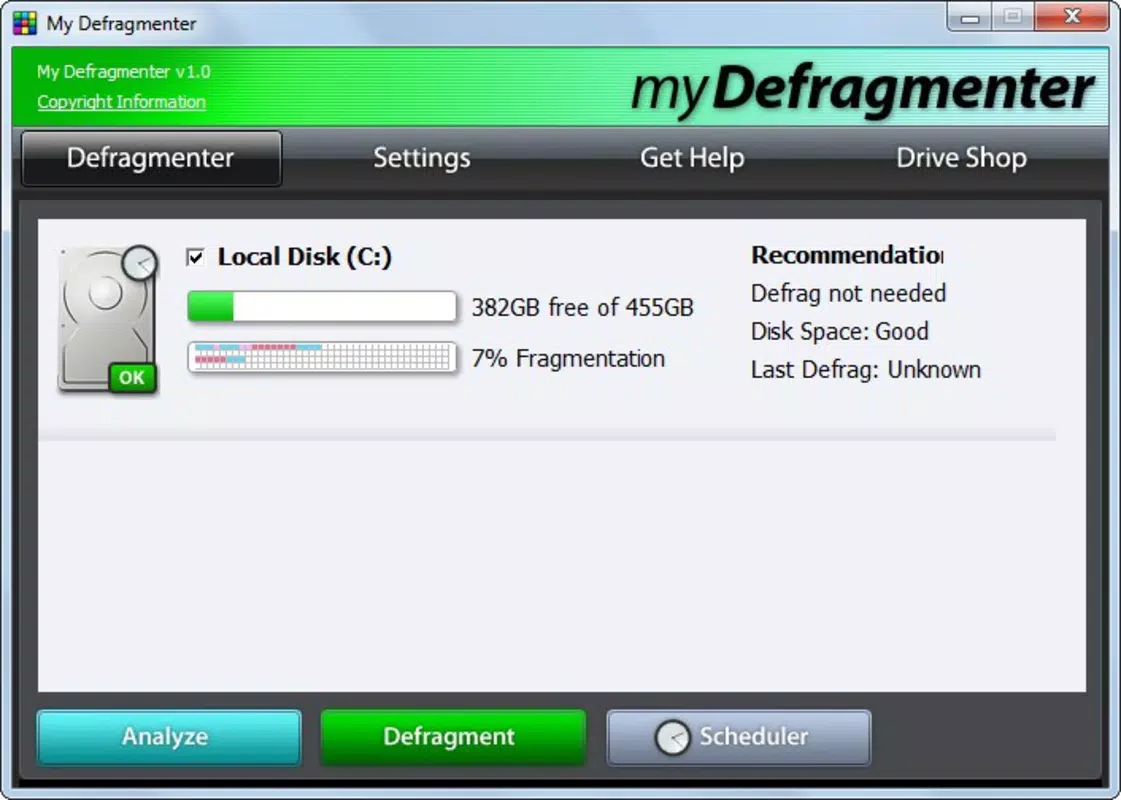
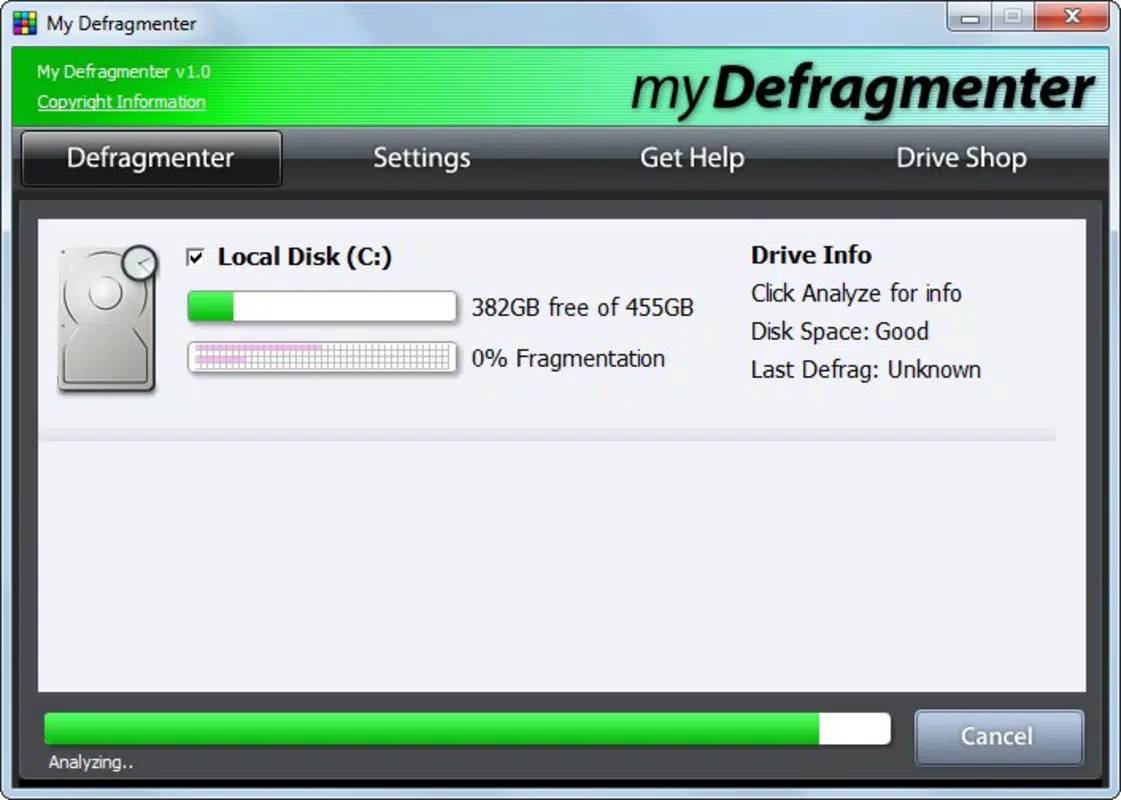
myDeframenter presents a clean and minimalistic interface that prioritizes usability over visual complexity. The layout is structured around core actions—initiating defragmentation, viewing disk status, and managing schedules—ensuring that users can complete tasks efficiently. Navigation is linear and consistent, with clearly labeled buttons and status indicators that reflect the progress of ongoing operations.
The visual design is functional rather than flashy, using standard Windows UI elements to maintain familiarity across different system configurations. This approach enhances accessibility and reduces the learning curve for new users. Although the developer did not list formal performance metrics, the app’s lightweight size of 2.5 MB suggests efficient resource usage, minimizing impact on system performance during execution.
Responsiveness is maintained across various device categories, including older hardware, due to its low system footprint. Stability is implied by the app’s long-standing presence since 2011, though no specific error logs or crash reports were provided. Users can expect smooth operation during defragmentation tasks, with no indication of memory leaks or high CPU consumption based on available data.
Platform Compatibility & Technical Requirements
myDeframenter is designed exclusively for the Windows operating system. It supports Windows platforms, though specific OS versions were not listed by the developer. The app has a file size of 2.5 MB, making it highly portable and suitable for installation on systems with limited storage capacity.
The software version is 1.0.0.1, indicating a stable, mature release with no indication of major updates since its initial launch. While the developer did not specify minimum OS requirements, it is reasonable to assume compatibility with mainstream Windows versions released after 2011, including Windows 7, 8, and 10.
Compatibility information was not fully disclosed, so users should exercise caution when installing on newer or less common Windows configurations. No additional hardware requirements were mentioned, suggesting that the app functions on standard desktop and laptop systems without special drivers or components.
Pros and Cons
Pros
- Free to download and use, with no hidden costs or subscription models.
- Lightweight design (2.5 MB) ensures minimal system impact during operation.
- Intuitive interface suitable for users of all technical skill levels.
- Supports both scheduled and on-demand defragmentation for flexible usage.
- Designed for long-term stability with a release history dating back to 2011.
Cons
- Developer did not provide detailed technical specifications or compatibility matrix.
- No support for modern storage types such as SSDs, which do not benefit from traditional defragmentation.
- Limited feature set compared to advanced disk optimization tools.
- App has not been updated since 2011, raising concerns about compatibility with newer Windows versions.
- No official documentation or user guides were made available.
FAQ
Is myDeframenter safe to install?
Yes, the app is free and has been available since 2011. However, as it has not been updated in over a decade, users should ensure their system is protected with up-to-date antivirus software before installation.
Can I use myDeframenter on SSDs?
Defragmentation is generally not recommended for solid-state drives (SSDs), as it can reduce their lifespan. myDeframenter is designed for traditional hard disk drives (HDDs) and may not be suitable for SSDs.
Does myDeframenter require admin rights to run?
The developer did not specify permission requirements. However, defragmentation tasks typically require elevated privileges, so it is likely that administrator access is needed for full functionality.
How often should I run defragmentation?
For optimal performance, users can schedule defragmentation weekly or monthly, depending on usage. On-demand runs are recommended when experiencing noticeable slowdowns.
Is myDeframenter compatible with Windows 11?
While the app was released in 2011, compatibility with Windows 11 is not confirmed. Users should test the application in a safe environment before relying on it for critical tasks.
Final Thoughts
myDeframenter remains a reliable option for users seeking a no-cost, straightforward solution to improve hard disk performance on older Windows systems. Its core functionality—defragmentation through scheduling and on-demand execution—delivers tangible benefits for HDD users experiencing slowdowns. The clean interface and minimal resource usage make it accessible even to less tech-savvy individuals.
While its lack of updates and absence of modern features limit its relevance for newer systems, it continues to serve a niche audience that values simplicity and stability. For those still using legacy hardware or relying on HDDs, myDeframenter offers a proven method to maintain system speed and efficiency.
Download myDeframenter now


